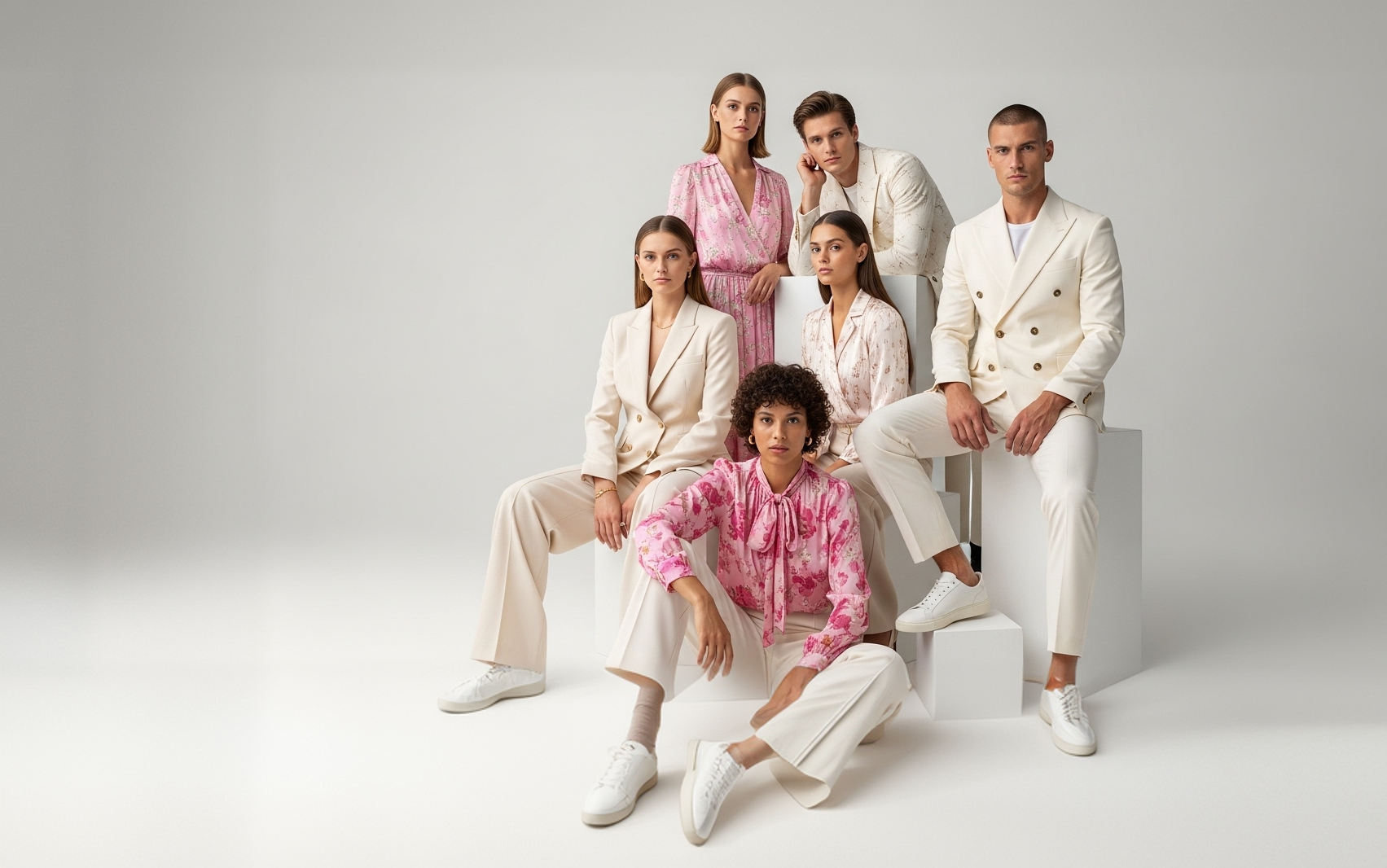
Generate an Entire AI
Photoshoot from One Image
Turn a single upload into an entire look book multiple poses, backgrounds, and styles generated together, ready for catalogs and campaigns.
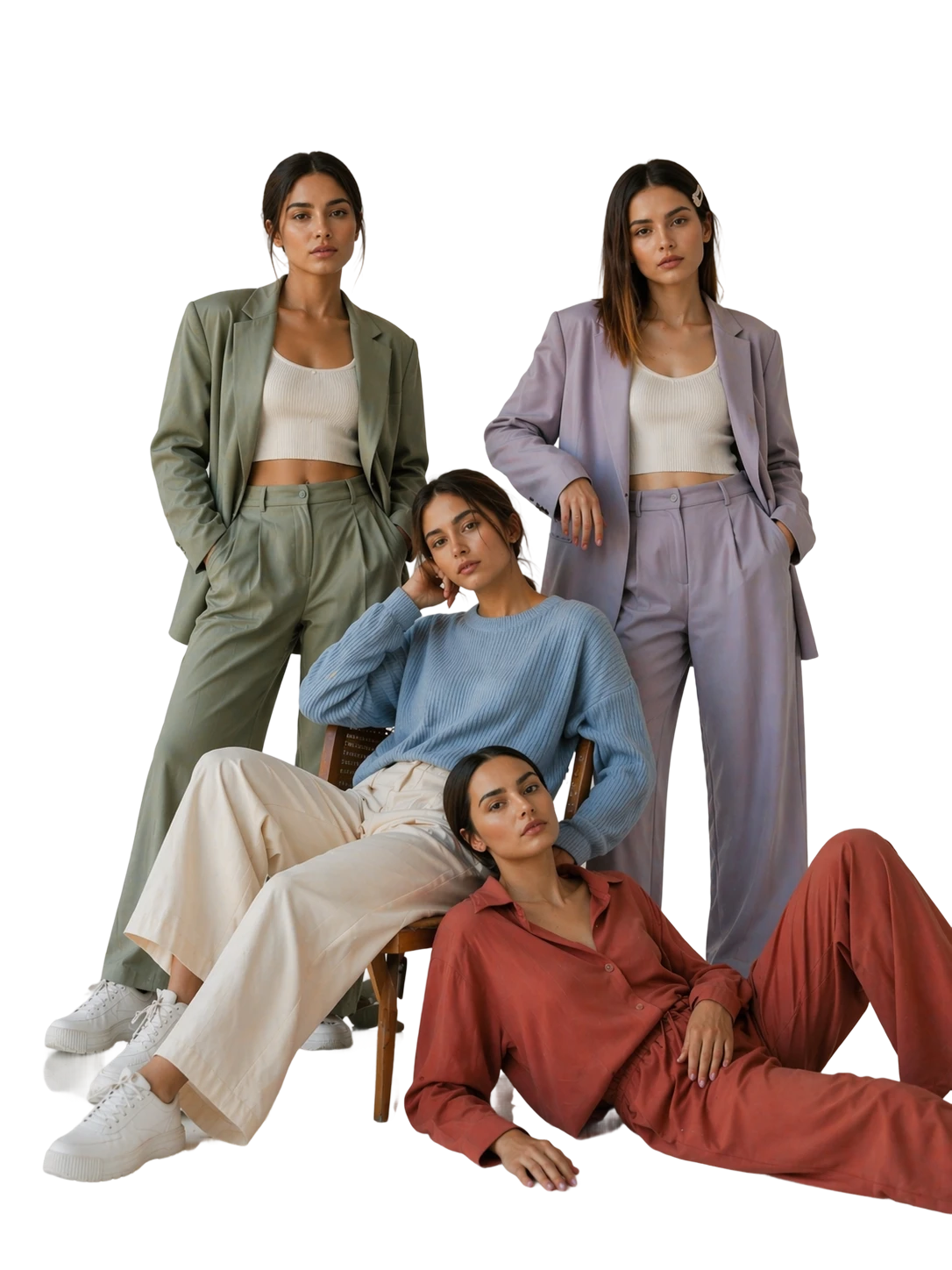
Create Multiple Photoshoot
Generate multiple high-quality fashion visuals from one or more clothing images. From upload to final preview, Stylic AI helps you create scalable content faster.
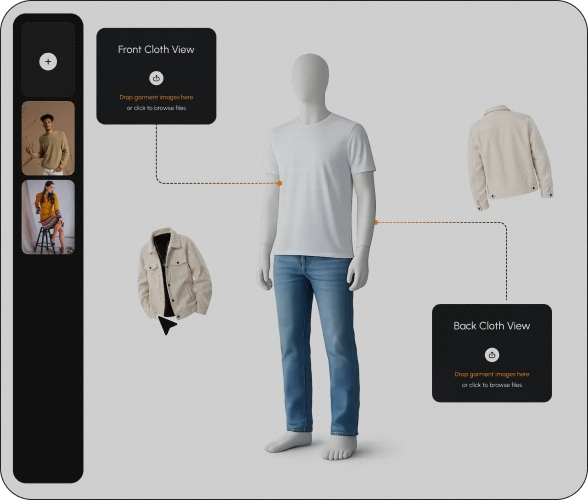
Upload Your Clothing Image
Start by uploading one or multiple clothing images. Whether you’re working with a single product or an entire collection, Stylic AI prepares your images for bulk photoshoot generation.
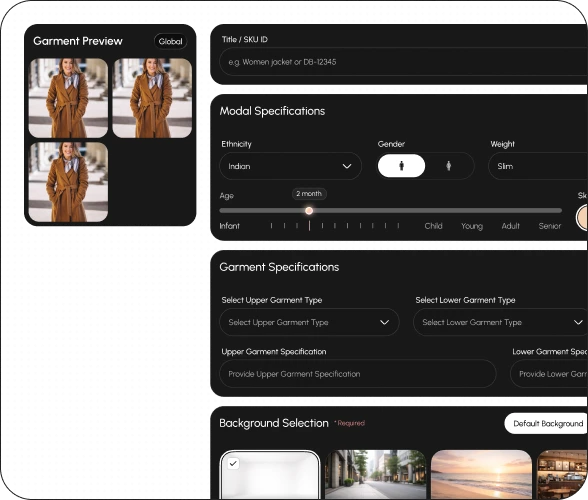
Configure Your Photoshoot
Customize how your outputs should look. Choose the background style, lighting, mood, and overall creative direction to match your brand.
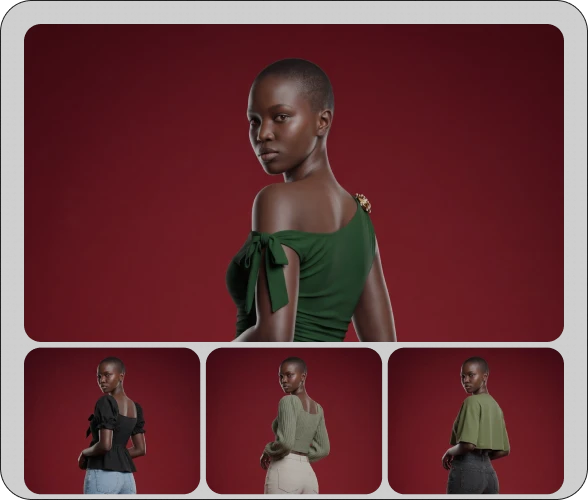
Generate Multiple Results
Stylic AI instantly creates multiple photoshoot variations for your uploaded images. Each result is generated with consistent styling, realistic backgrounds, and production-ready quality.
Scalable Excellence
The result is high-quality output you can confidently use across campaigns, content, and creative workflows.
FAQs
Frequently asked questions
An AI multiple photoshoot generator creates many styled variations — different poses, models, and backgrounds — from a single clothing or product photo, generated in parallel rather than one at a time. With Stylic.ai, one upload can produce an entire set of ecommerce-ready visuals in the time it takes most tools to generate one image.
Stylic.ai generates images in parallel, not sequentially — a batch of 10 variations completes in roughly the same time as generating one. Larger batches of 50–100 images typically finish within 10–20 minutes, making it practical to produce a full set of looks for a single product in one session.
Yes. From one uploaded photo, you can generate variations across poses, AI models, and backgrounds to build a complete set of looks — ideal for A/B testing ad creatives, stocking a lookbook, or giving one product multiple visual treatments for different platforms.
Multiple Photoshoot generates many different looks — varied poses, models, and backgrounds — from a single product photo. Catalog Photoshoot does the opposite: it applies one consistent look across many different products, so your entire product range shares the same model, background, and style. Use Multiple Photoshoot for variety from one item; use Catalog Photoshoot for consistency across many items.
A traditional approach to multiple looks means re-booking models, backgrounds, and studio time for each variation — often several shoot days. Stylic.ai generates a full set of varied looks from one photo in minutes, with batches of 10+ images processing in parallel at no extra time cost per image.